The easiest way to get apps.
- Pick the apps you want.
- Start your customized installer.
- You're done!
Ninite runs on Windows XP/Vista/7 and works
in the background 100% hands-free.We install apps with default settings and
say "no" to browser toolbars and other junk.All we do is install the latest versions of the apps
you choose. Not even Ninite is installed.
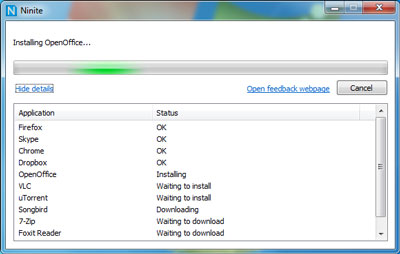
via ninite.com
So you've upgraded to Windows 7 and now face the tedious task of downloading all your "crucial" applications (Firefox, Evernote, Dropbox, Flash, etc).
Nitrite makes the process less painful by allowing you to "package" many app installs at once. It beats tracking them down among multiple websites. And it's free!